Charlie Haid's book × Flow
Your book is your key.
“Arrête de scroller” isn't just a book: it's your Flow object. Your apps stay blocked until you scan the cover. Here's how to set it up in 3 steps.
Free · iPhone · iOS 17 or later
- 1
Step 1
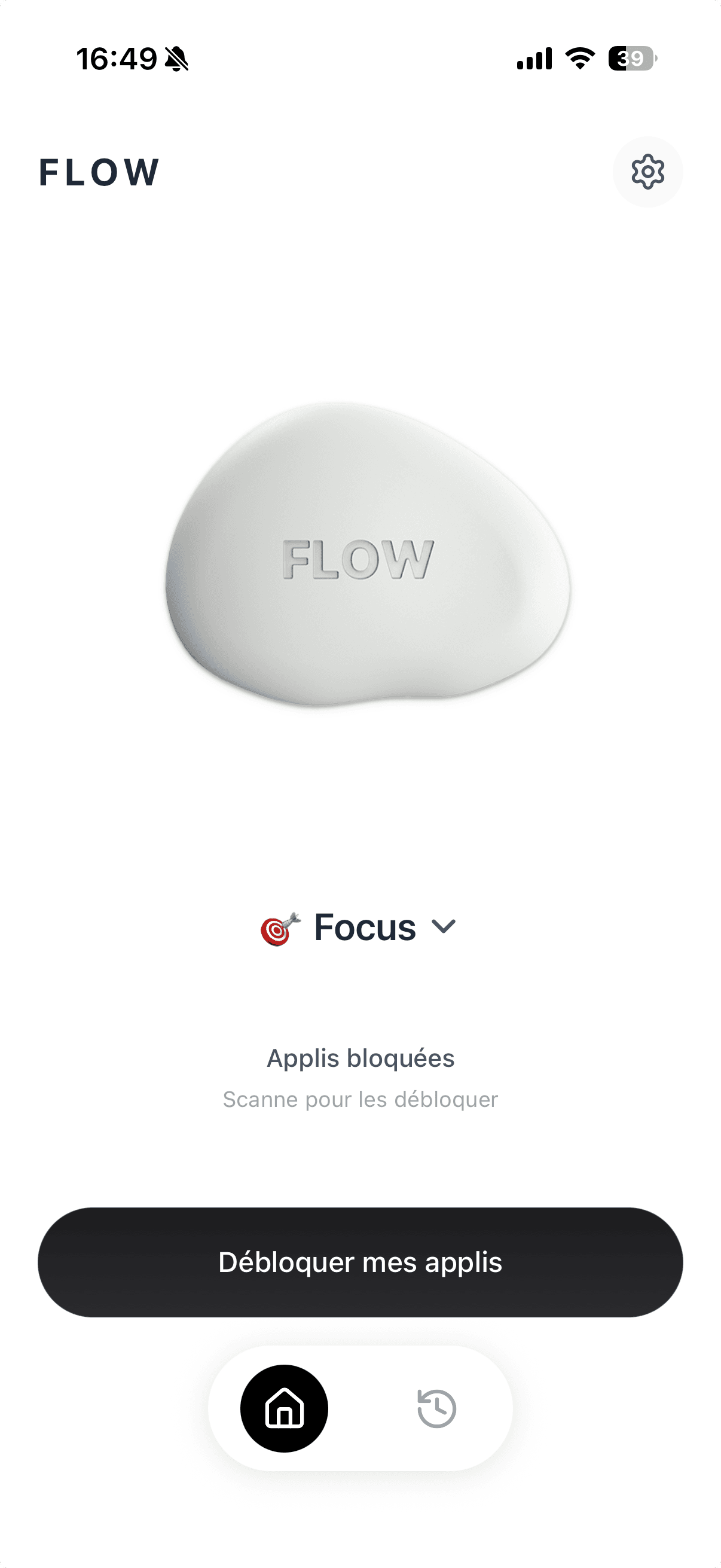
Install the app and finish onboarding
Download Flow on the App Store, open it and follow the onboarding. At the end you land on the home screen: your apps are already blocked.
- 2
Step 2
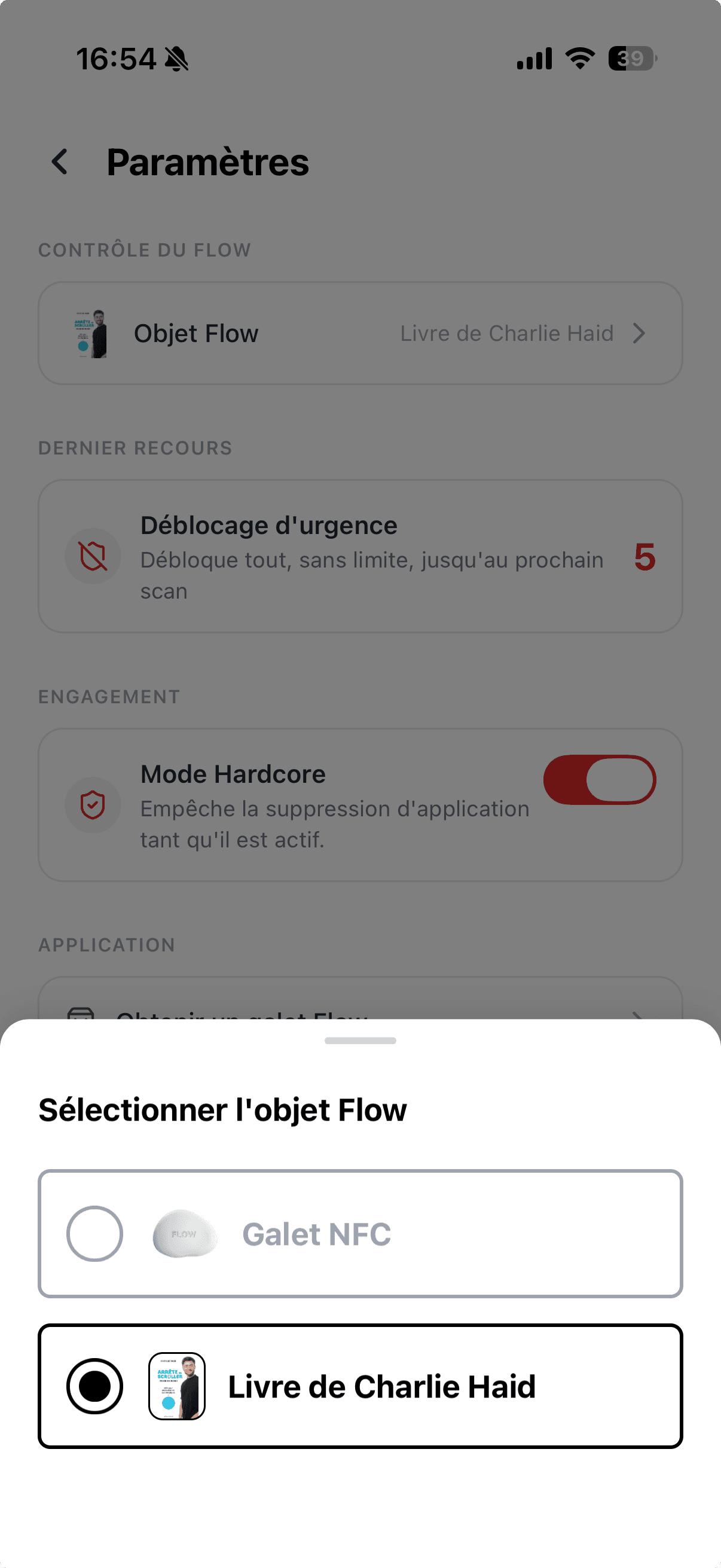
Pick the book as your Flow object
Open Settings (top-right icon), tap “Flow object”, then choose “Charlie Haid's book” to switch objects.
- 3
Step 3
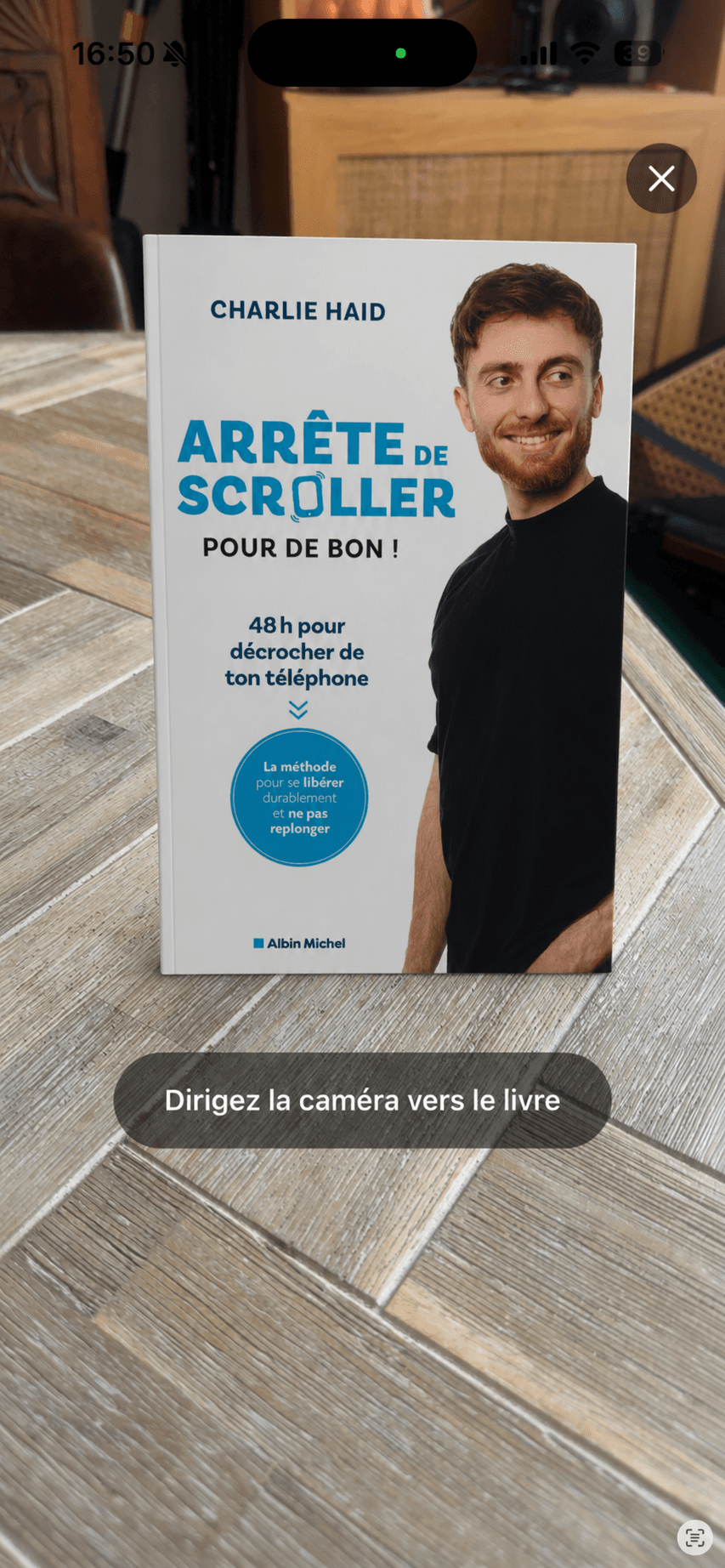
Scan the book to unblock your apps
From the home screen, tap “Unblock my apps” and point the camera at the book cover. Your apps unblock for the chosen duration, then lock again.
That's it. Over to you.
Put the book where you spend the most time. Every scan becomes a conscious decision.
Download Flow